Homeschooling & Families
Screen Time in an Online Program, and How We Think About It
Families choosing online Montessori learning often worry about screens. Here is how we balance live instruction with real-world work.
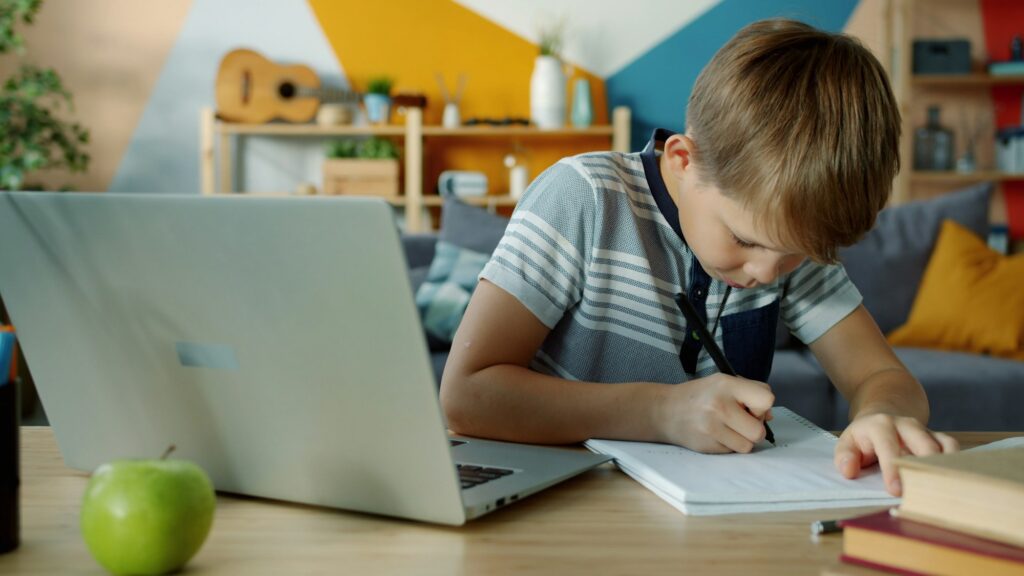
A parent asked us a fair question during a Parent Meeting. “You talk about hands-on learning and independence. But your classes are online. Isn’t that a contradiction?”
It is a question we take seriously. Montessori education places enormous value on physical materials, movement, real-world experience, and human connection. Screens can work against all of those things when they are used poorly.
So how do we think about screens in a program that uses them?
Screens as a tool, not the classroom
For us, the screen is a way to connect a Guide with a child. It is not the place where most learning happens.
During a live class, the screen allows a Guide to give a lesson, ask questions, see a child’s work, and respond. That connection is valuable. But the lesson is only the beginning. After the lesson, children step away from the screen to practice, build, read, write, experiment, and think.
A full learning day might include an hour or two of live instruction across several short sessions. The rest of the day is spent with books, paper, materials, projects, outdoor time, and practical work.
What we avoid
We are careful about certain uses of screens that we believe work against learning.
Passive watching. Students in our live classes are expected to participate. They speak, answer questions, show their work, and interact with peers. We do not want children watching a Guide talk for an hour.
Replacing hands-on work. Digital manipulatives have their place, but we do not want them to replace physical materials. A child learning fractions should be cutting paper and measuring ingredients, not only dragging shapes on a screen.
Endless digital worksheets. Much online learning involves clicking through problems. Some practice can be useful, but it should not dominate the day.
Keyboards replacing pencils. Handwriting matters, especially for younger children. We expect students to write by hand regularly.
What screens do well
At the same time, technology offers real benefits when used intentionally.
It allows families anywhere to access experienced Montessori Guides. It lets children connect with peers in small groups even when they live far apart. It makes it possible for military families and traveling families to maintain consistency. It gives older students access to research tools, primary sources, and creative software.
The goal is not zero screens. The goal is screens used for what they do well, and set aside for what they do not.
Practical habits for families
Families can support healthy screen use in a few simple ways.
Separate learning screens from entertainment screens. If possible, the device used for school is not the same one used for games and videos. Or, at minimum, entertainment apps are closed during learning time.
Set up a real workspace. The computer is on a table, not in bed. Paper, pencils, and books are within reach during class.
Plan off-screen blocks. After a live session, children have work that does not involve a screen. Reading, writing, math with materials, art, Practical Life, outdoor time.
Protect movement. Children should move between sessions. Stretching, walking, playing outside. Long periods of sitting are hard on bodies of every age.
Watch the total. Learning screen time adds to recreational screen time. Families may decide to reduce recreational use on heavy class days.
Keep evenings screen-light. Screens close to bedtime can affect sleep, which affects learning the next day.
Watching your child
Every child responds to screens differently. Some find live classes energizing. Some find them draining. Some need more breaks than others.
Observe how your child feels after screen time. Are they calm or agitated? Focused or scattered? Tired? Use what you see to adjust. If your child seems depleted after classes, talk with their Guide about adjustments.
What a balanced day can look like
Here is an example of how screen time fits into a full learning day for an upper elementary student in a live program.
- 8:00 Breakfast, chores, getting ready
- 8:30 Live morning meeting with classmates (20 minutes on screen)
- 9:00 Independent math with materials and paper
- 9:45 Live math lesson with a small group (30 minutes on screen)
- 10:15 Movement break outside
- 10:45 Reading and note-taking from books
- 11:30 Live language lesson (30 minutes on screen)
- 12:00 Lunch, outside time
- 1:00 Project work: research, building, writing by hand
- 2:30 Practical Life: helping with a household task, cooking, gardening
- 3:00 Short live check-in with Guide, if scheduled (10 minutes on screen)
In a day like this, roughly an hour and a half is spent on screen in live, interactive sessions. The rest of the day is books, materials, writing, movement and real work.
Every program and every child is different, but this shape shows what is possible when screens are used as a bridge rather than a destination.
Connection is the point
The deepest value of a live online class is connection. A Guide who knows your child, sees their work, notices when they are struggling, and celebrates what they accomplish. Peers who become familiar faces and friends.
That human connection is worth the screen. The rest of learning happens in the real world, with hands, books, conversations, and experiences.
When the balance is right, online learning does not have to mean a childhood spent staring at a screen. It can mean the opposite: access to excellent teaching, followed by plenty of time to live and learn away from it.

Written by the Guides of Quantum Montessori, who teach students from preschool through high school in our homeschool, hybrid, distance learning and Learning Pod programs. Explore our programs.